


Configuration
GalataJ works out of the box with sensible defaults. Most users don’t need to change anything.
Zero Config Required
Just install the plugin and start profiling. The settings below are optional and only needed for specific use cases.
IDE Settings
Section titled “IDE Settings”IntelliJ IDEA
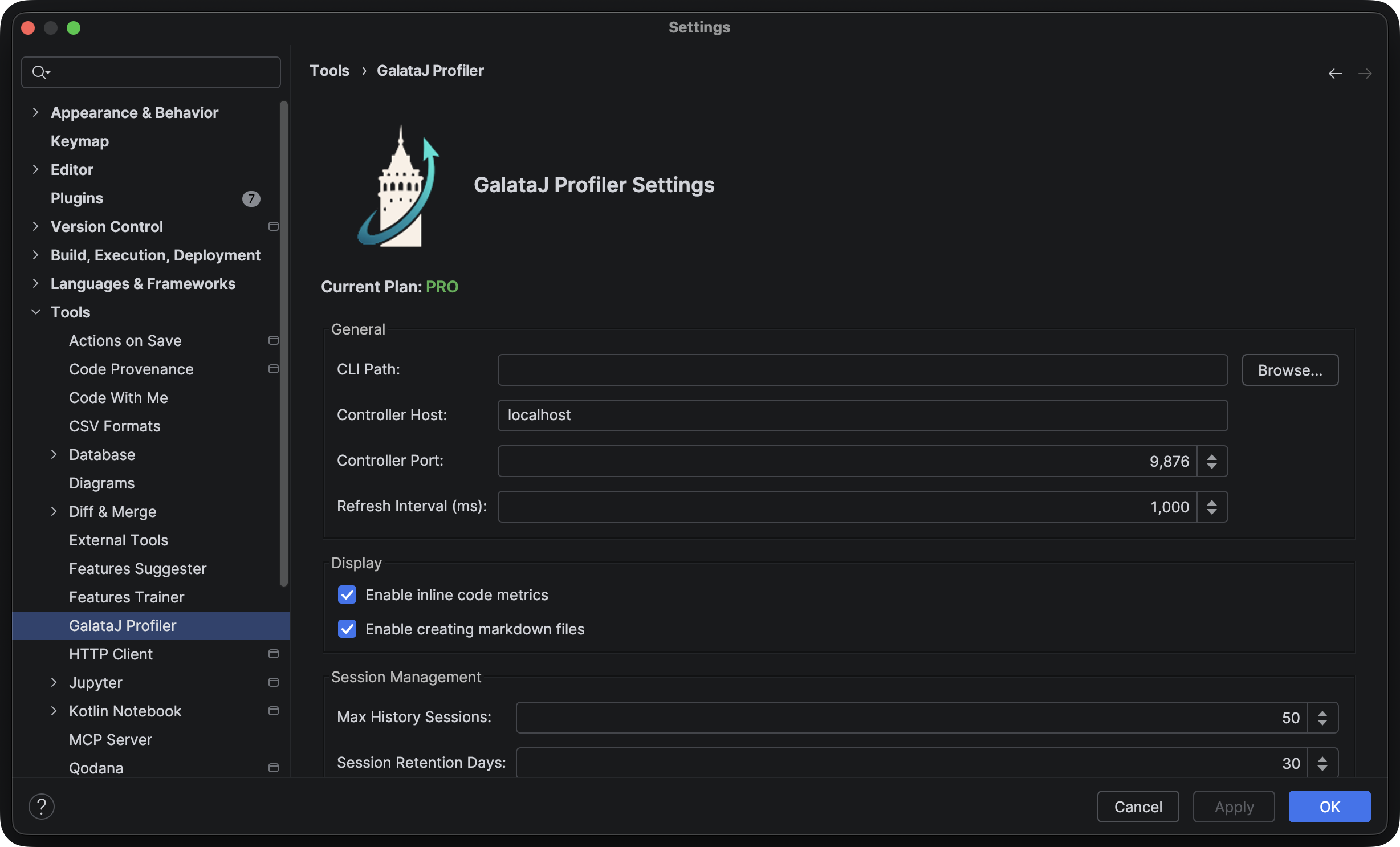
Section titled “IntelliJ IDEA”Go to Settings → Tools → GalataJ (or search for “GalataJ” in settings).
VS Code / Cursor / Windsurf
Section titled “VS Code / Cursor / Windsurf”Go to Settings and search for “GalataJ”.
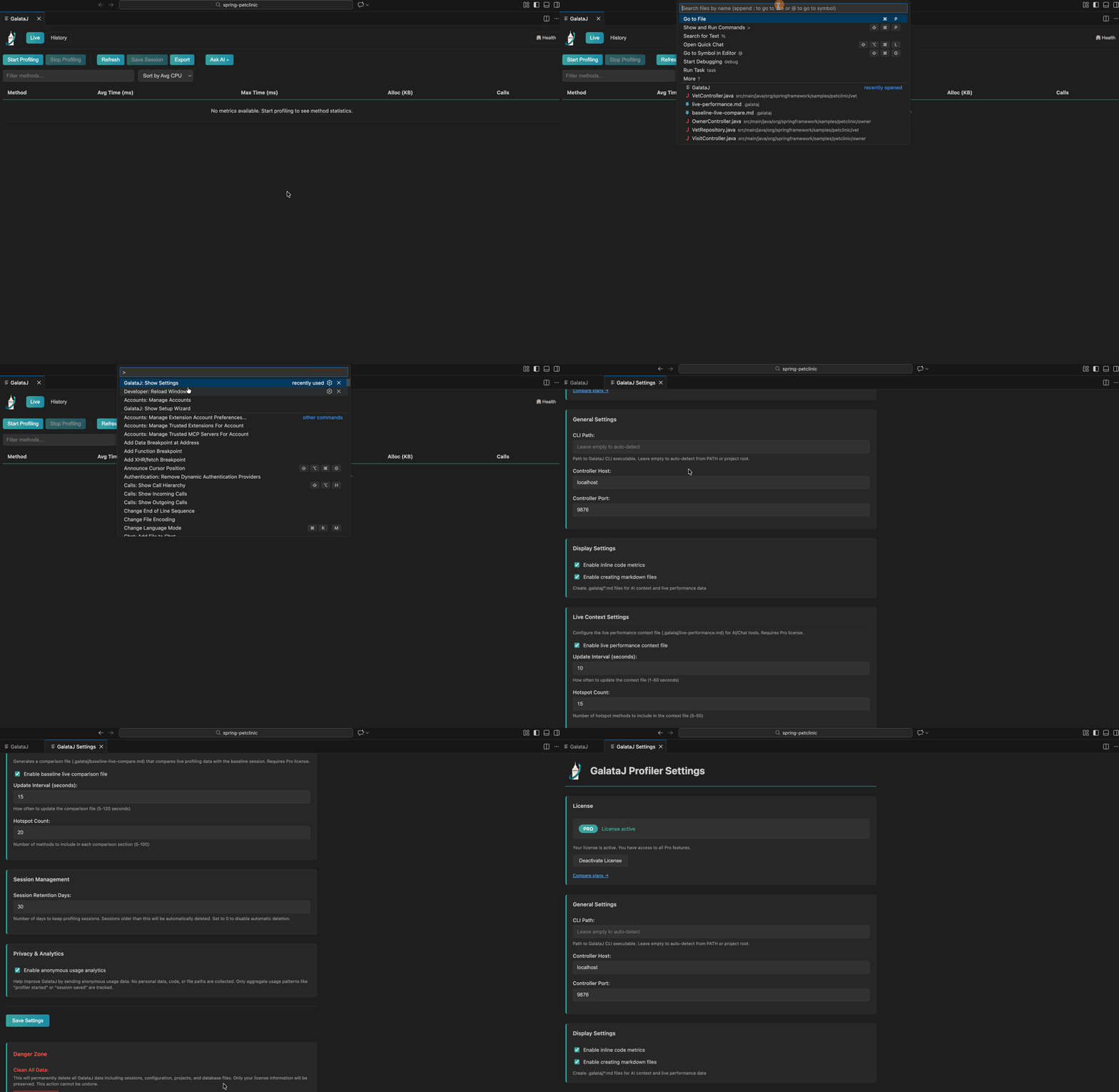
Available Settings
Section titled “Available Settings”| Setting | Description | Default |
|---|---|---|
| Show Inline Hints | Display metrics above methods | On |
| Auto-start Controller | Start controller when IDE opens | On |
| Controller Host | Do not change this if you know what are you doing | localhost |
| Change Controller Port | Change controller working port when profiling starts | 9876 |
| Update Interval | How often to refresh metrics | 1 second |
Inline Hints (IntelliJ)
Section titled “Inline Hints (IntelliJ)”To toggle inline hints:
- Go to Settings → Editor → Inlay Hints
- Find Code Vision → GalataJ
- Toggle on/off